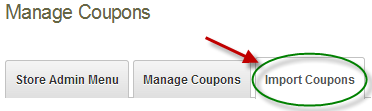
To import your orders click the tab titled “Import Coupons” on the top of the Manage Coupons screen.
After you click Order Import, the following screen will be displayed:
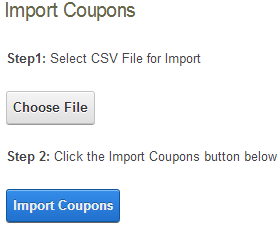
Step1:
Click the browse button and select your input file to upload.
Step2:
Click the button titled “Import Now” to start the import.
If the Import was successful, the following message will be displayed:
