SmithCart provides the ability to add new Customers to your Store. To add a new Customer take the following steps:
Step 1 – Go to the Manage Customer screen
The first step to adding a new Customer is navigating the Manage Customers screen.
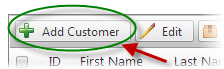
Step 2 – Click Add Customer
From the Manage Customer screen click the “Add Customer” button.
Step 3 – Enter Customer Details
On the Add Customer screen enter the Customer Information Details
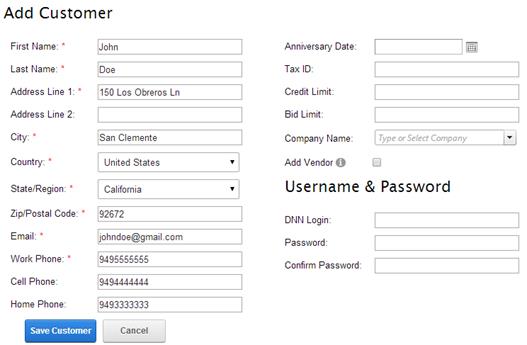
After entering the Customer Information Details click the “Save” button to save the Customer.

Step 4 – Add Customer Complete
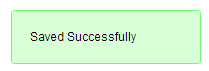
If the Customer was saved correctly the following message will be displayed:
This completes the steps to add a new Customer to your store.